WordPress updates
Manage WordPress core, plugin, and theme updates with care so the site does not sit untouched or get broken by blind update clicks.
Phoenix Website Support
Ongoing WordPress support, updates, backups, troubleshooting, hosting help, and fractional web admin service for businesses that need their website handled without hiring in-house.
The problem
Website maintenance can include WordPress core, plugin, and theme updates, confirmed backups, form and tracking checks, troubleshooting, content edits, hosting coordination, and small site improvements. TurnKey starts by reviewing the current setup and separating immediate cleanup from ongoing support, so monthly work is based on the site's real condition instead of a blind update list.
Plugins stop playing nicely together. Forms break. Page speed slips. Tracking gets disconnected. Someone needs a change made, but nobody knows where to start. Small website issues turn into bigger business friction when no one owns the maintenance rhythm.
TurnKey gives Phoenix-area businesses a practical website support relationship after launch. The goal is to keep the site updated, secure, backed up, useful, and improving without forcing you to hire a full-time web manager.

What Support Covers
Support gives the business a reliable way to keep the website maintained, fixed, updated, and aligned with what the business needs now.
Manage WordPress core, plugin, and theme updates with care so the site does not sit untouched or get broken by blind update clicks.
Make sure backups exist, are restorable, and are part of the support plan before an emergency makes them important.
Diagnose broken forms, layout issues, plugin conflicts, DNS problems, errors, redirects, and other website issues.
Handle small copy updates, image swaps, menu changes, landing page tweaks, services, team content, and practical page improvements.
Help with SSL, DNS, staging, migrations, performance issues, redirects, and communication with hosting providers when needed.
Give the business a reliable technical partner for WordPress, SEO basics, tracking, hosting, and the details that keep a site running.
Plugin Maintenance
Most WordPress sites depend on plugins for forms, SEO, security, page building, ecommerce, memberships, calendars, and tracking. When those plugins fall behind, the site can become slower, less secure, harder to edit, or easier to break during a rushed update.
The goal is not to click every update blindly. Good support means checking backups first, understanding which plugins matter, watching for compatibility issues, and knowing how to recover if an update exposes a conflict.

Client Proof
Support clients need more than a developer who can fix a bug. They need a partner who communicates clearly, knows the site, and can keep the business moving when something changes.
Never once did I have a fear our site was going to go down when we needed it the most... ongoing support has saved us in so many situations.
I would trust TurnKey for any big web project needs... they will have you covered and deliver on time.
We are thrilled with our site. They are always thinking of ways to elevate and make more efficient.
Good Fit
Support matters most when the site is tied to leads, appointments, donations, ecommerce, memberships, credibility, reporting, or day-to-day operations.
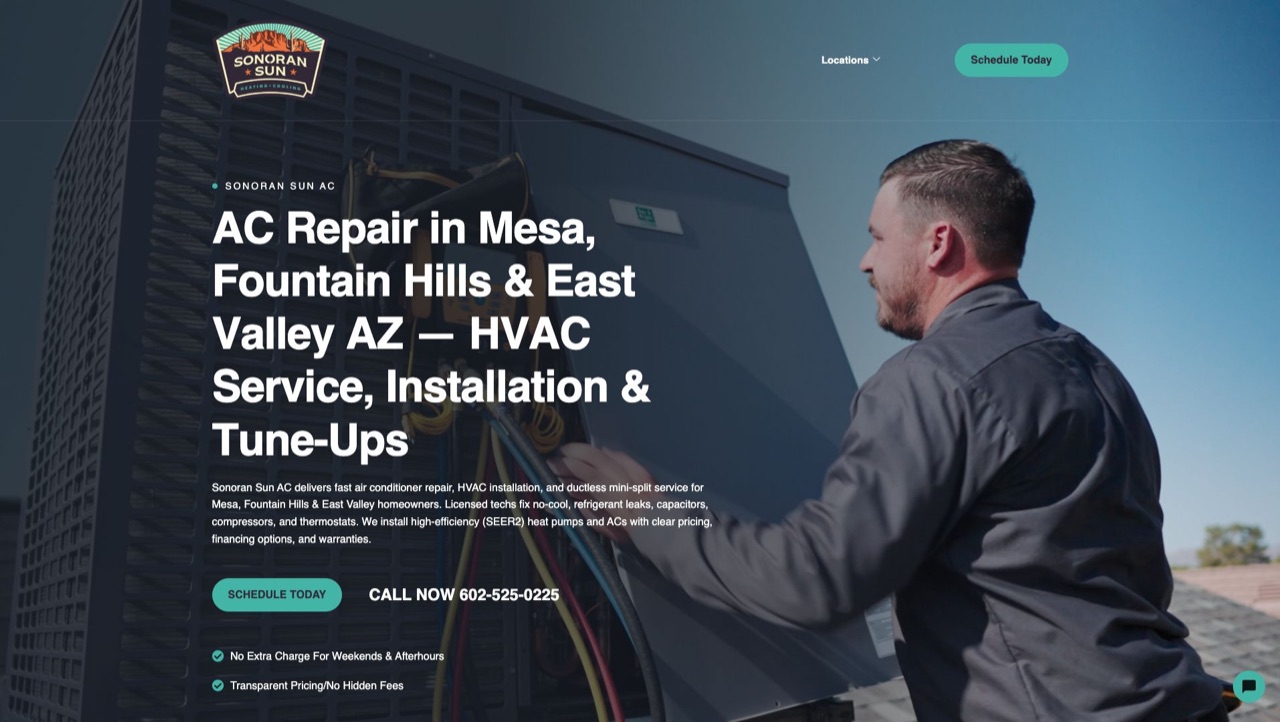 Lead gen, forms, calls, local pages Sonoran Sun AC
  Real estate, credibility, content Gluch Group
  Healthcare, trust, resources, updates Prisma Care
 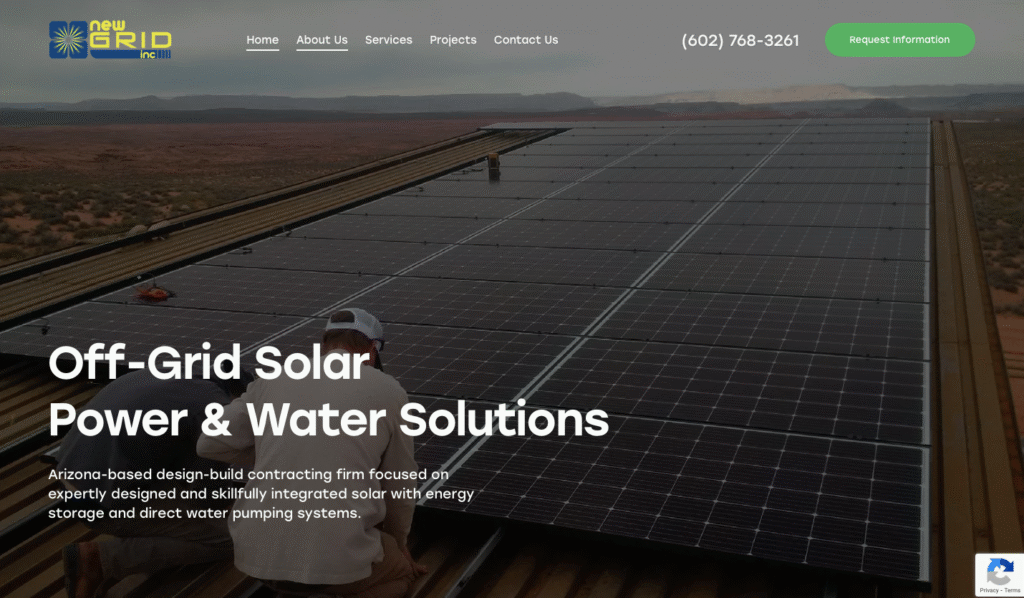 Service business, pages, tracking New Grid Power
 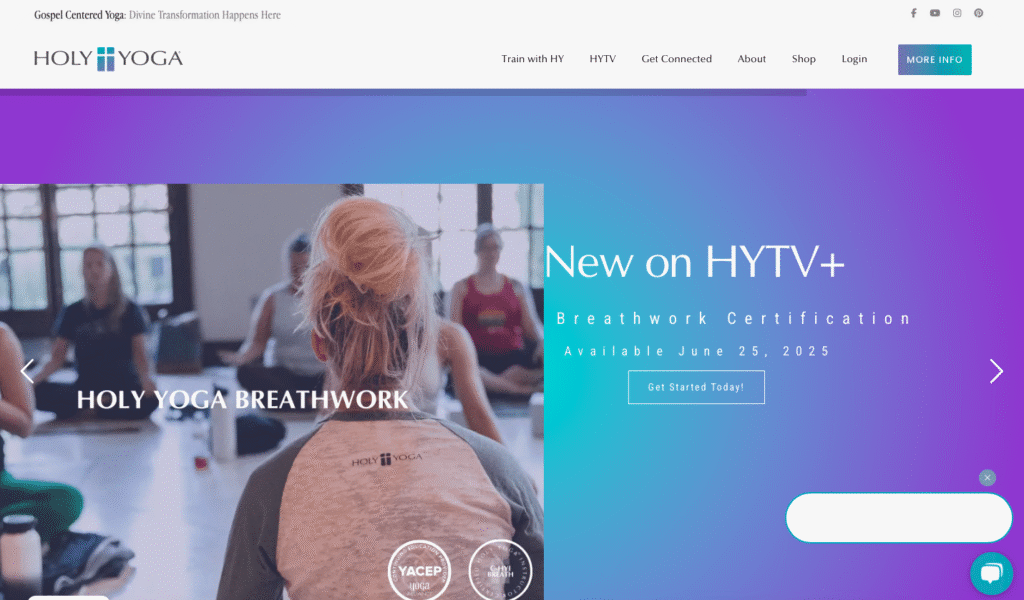 Community, memberships, resources Holy Yoga
 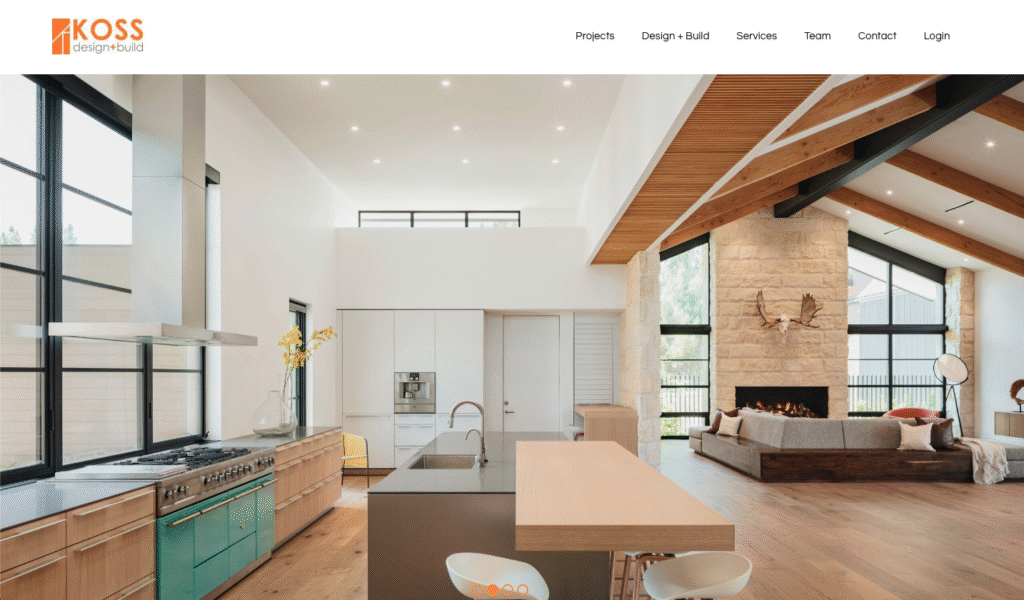 Technical site, content, reliability Koss DB
 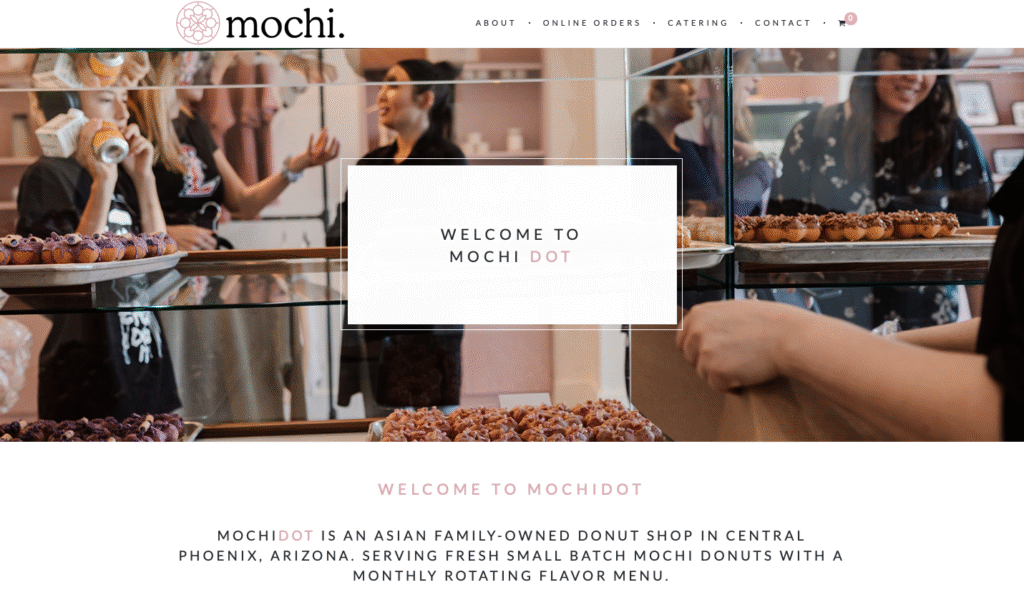 Ecommerce, products, checkout flow MochiDot
 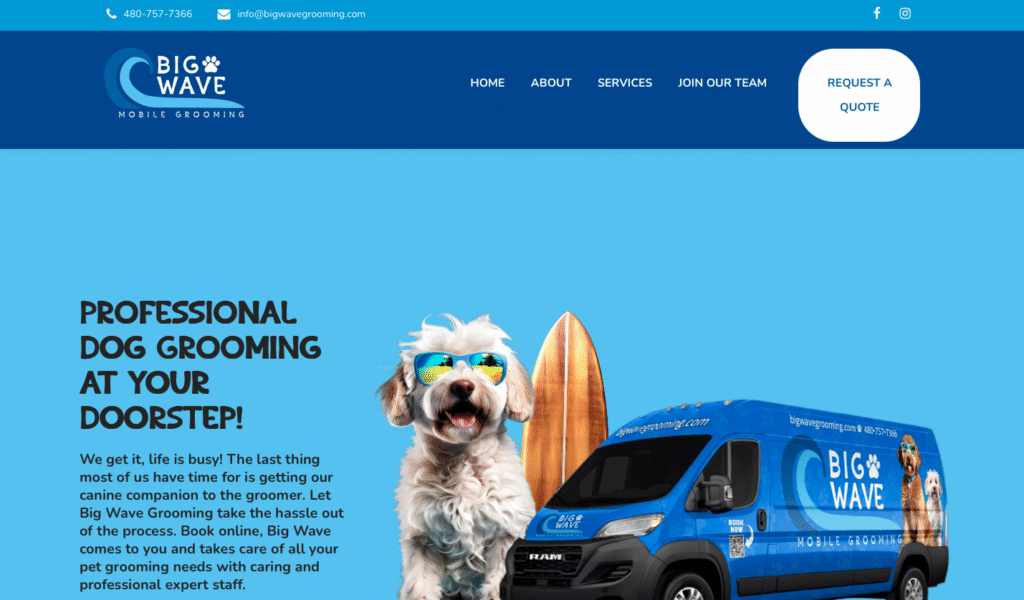 Local service site, edits, trust Big Wave Grooming
 Support Flow
Support is not just emergency fixes. It is a system for keeping the site healthier, easier to update, and more useful as the business changes.
We look at WordPress, hosting, plugins, forms, backups, analytics, speed, access, and known issues before support starts.
If the site has immediate risks, we separate cleanup work from ongoing support so the plan starts on stable ground.
Support time can cover plugin updates, edits, troubleshooting, reporting help, technical cleanup, and small improvements.
If support uncovers a redesign, SEO campaign, security cleanup, or larger integration project, we scope it separately instead of hiding it inside vague maintenance.
FAQ
No. We can support existing WordPress websites when the setup is a good fit. The first step is a review so we understand how the site is built, where it is hosted, what plugins it uses, and whether there are immediate risks to clean up first.
If the site needs cleanup before monthly support makes sense, we identify the first fixes separately. After the site is stable, it can move into ongoing support so the same problems do not keep piling up.
Some support plans can include hosting management depending on the site and what is needed. Other clients keep their own hosting account and use TurnKey for updates, administration, troubleshooting, and coordination with the host.
Yes. Support time can be used for small edits, page updates, image swaps, menu changes, form checks, troubleshooting, and practical improvements. Larger new features or redesign work may need a separate project scope.
Sometimes there are visible clues, but a front-end scan is not reliable enough to make real maintenance decisions. A proper plugin review requires WordPress or hosting access so we can check plugin versions, licenses, update history, PHP compatibility, backups, and whether anything needs to be tested before updating.
Support clients get priority scheduling and a lower hourly rate than ad-hoc clients. It also creates a predictable relationship so updates, backups, fixes, and small improvements do not wait until the site becomes a bigger problem.
Support can include basic technical cleanup, content edits, internal links, tracking fixes, and page improvements. Businesses that need ongoing rankings, Google Business Profile work, new content, citations, and reporting usually fit better under a dedicated SEO plan.
Next Step
Send the website URL, what platform you are on if you know it, what keeps breaking, and what kind of support would make the website feel easier to own.